TYVOK ecosystem
Free SVG tools for TYVOK and laser sellers
SpiderMake helps prepare repeatable SVG files for small-shop projects before the first material test.
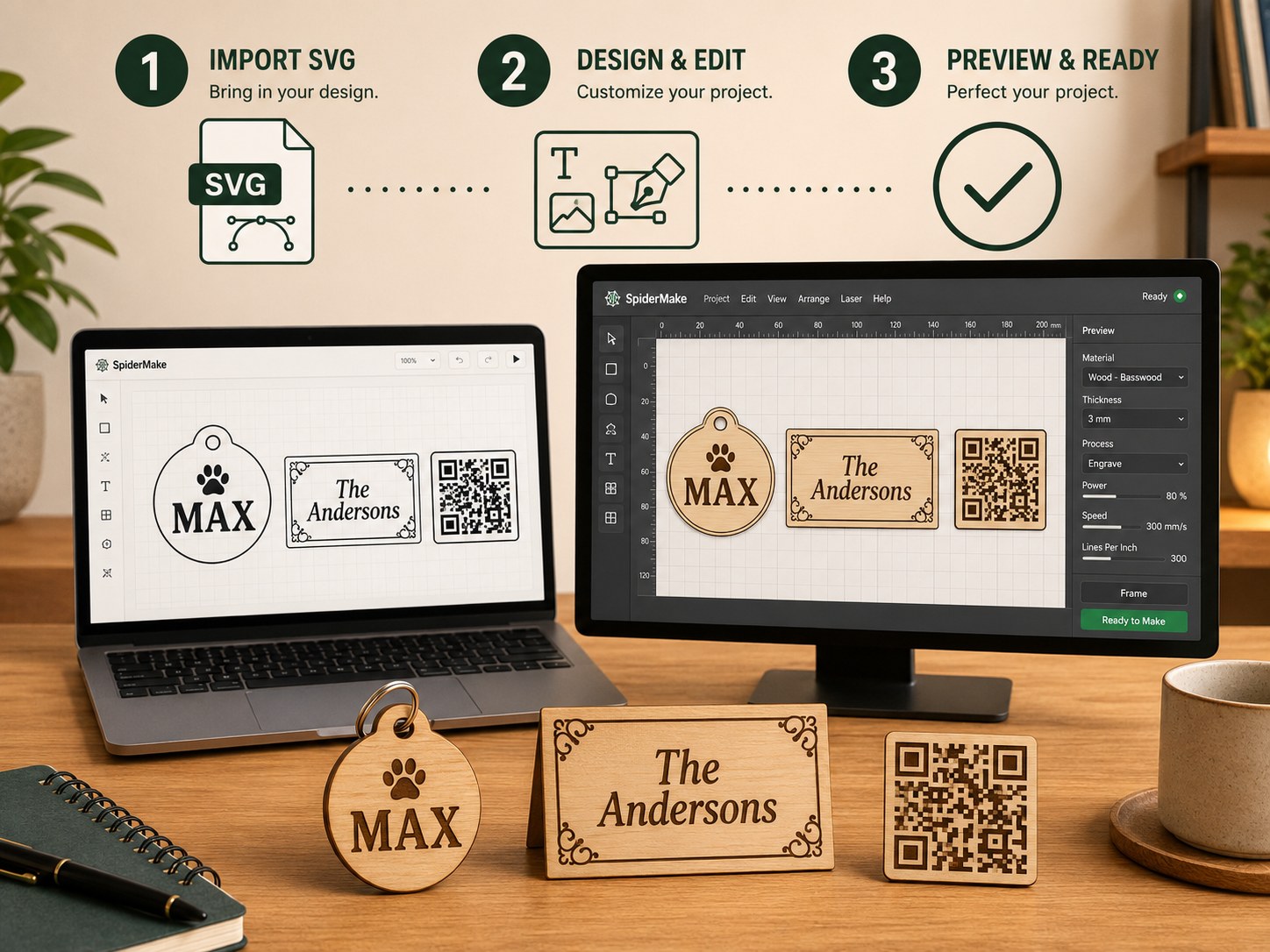
What SpiderMake adds to the workflow
A laser machine creates the finished product. SpiderMake prepares the production file. The goal is simple: choose a product, change the sample text, preview the sheet, and export a laser-ready SVG with millimeter size, cut outlines, and engraving artwork.
Built for repeatable small-shop jobs
Many laser sellers repeat the same structure with different customer text. Pet tags need new names and phone numbers. Wedding cards need guest lists. QR labels need serials. Nameplates need brand text. SpiderMake is designed around those repeat jobs.
How it fits with TYVOK and ecosystem partners
SpiderMake is a free file-prep workspace for laser users and ecosystem partners like TYVOK. Prepare the SVG here, import it into your laser software, then run one material test before production. The workflow keeps file preparation and real machine testing separate.
Good first projects
- Pet tags with names and phone numbers.
- Wedding place cards from a guest list.
- QR labels for tools, storage, or inventory.
- Leather keychains with short text.
- Small nameplates for handmade products.
Use the free tool first
Start with a sample and export one SVG. If the imported size, cut line, and engraving artwork make sense, then prepare a real order. This is better than buying a template pack before knowing whether the workflow fits your machine, material, and customer product.
Open SpiderMake to prepare the SVG, or explore TYVOK machines if you need a laser for production.
Open free SVG tools Explore TYVOK machines