SM SpiderMake Back home

Guest-name batch tool

Pick a style, paste names, export SVG

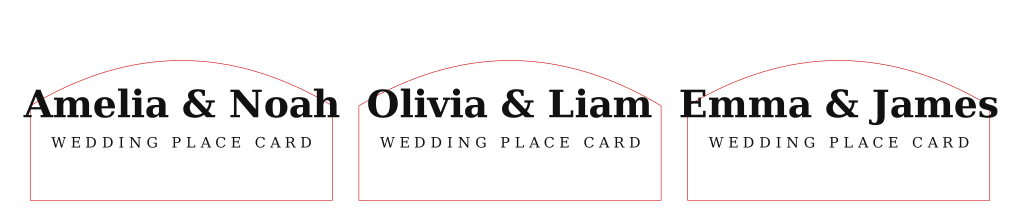
A simplified wedding place card generator. Choose a visual template, paste names, then export a laser-ready SVG sheet with cut and engrave layers.

SVG output LightBurn friendly EZCAD / xTool workflow Download SVG example
After export Import the SVG into LightBurn, xTool Studio, or EZCAD.

Keep the file at 1:1 scale. Red strokes are cut lines, black artwork is engraving or marking.

First test Run one small material test before a full guest list.

Confirm kerf, line color behavior, text size, and smoke marks before cutting the full sheet.

More styles Use more prepared files only after the free tool works for you.

Start with one guest list first. Extra styles and notes are useful once the size and material are clear.

Machine test

Run one table set before a full guest list

Wedding cards are higher-value only when the batch is predictable. Test one sheet for edge quality, smoke marks, name readability, and total time before promising a 50-100 guest order.