Easy to edit
Personalize names, numbers, QR codes, and simple artwork.
Free laser SVG tools
Make files for pet tags, wedding cards, QR labels, keychains, logo marks, and small shop products.
Personalize names, numbers, QR codes, and simple artwork.
Paste customer lists once and generate clean production sheets.
Preview red cut lines, black engraving artwork, and millimeter size.
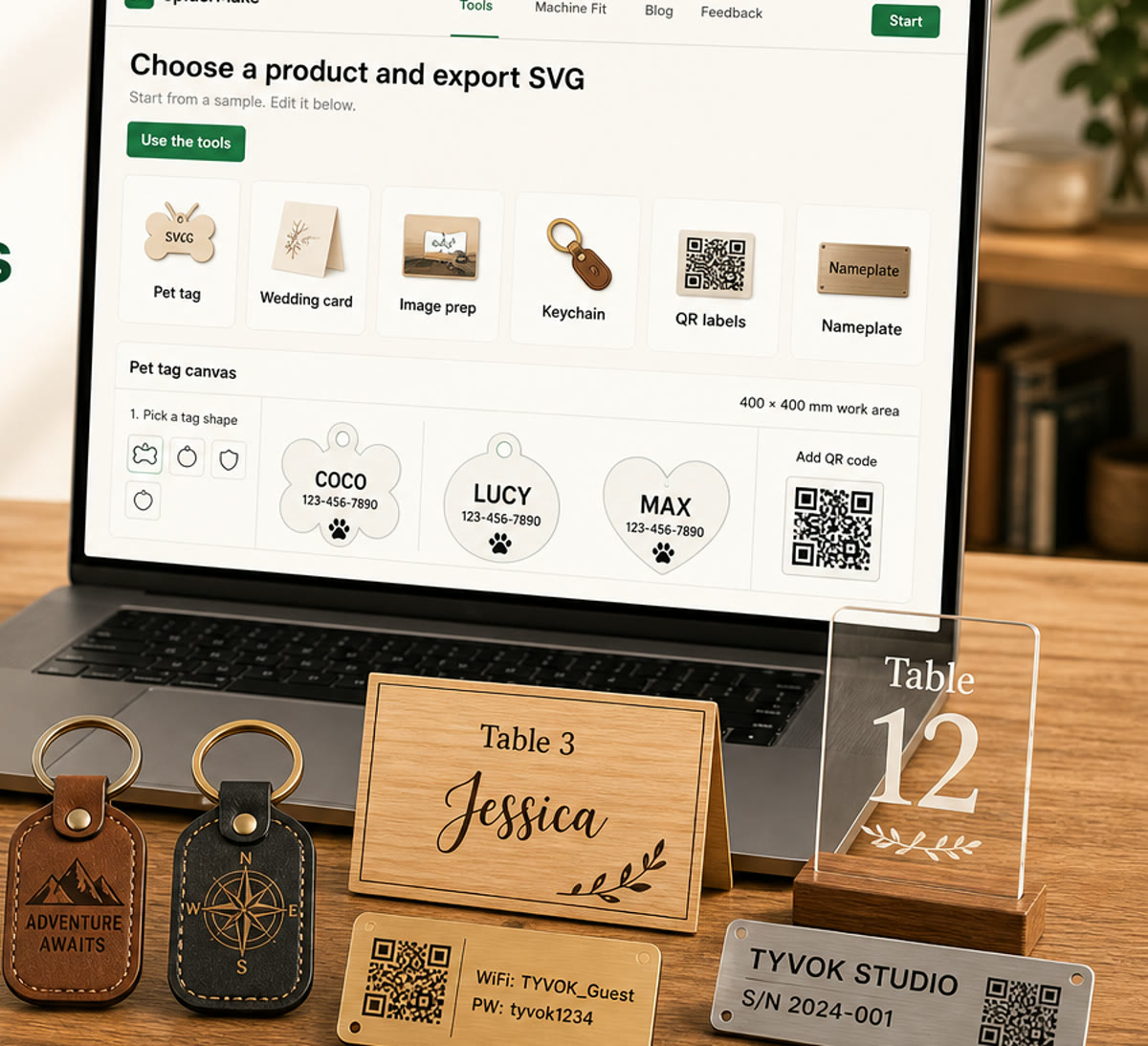
SpiderMake tool library
Use the full online library for tags, patterns, layouts, estimates, image tracing, and more. Keep the quick templates below for repeat pet-tag, card, label, and nameplate jobs.
Quick templates
For pet tags, cards, labels, and nameplates. Need another job? Open the full tool library.
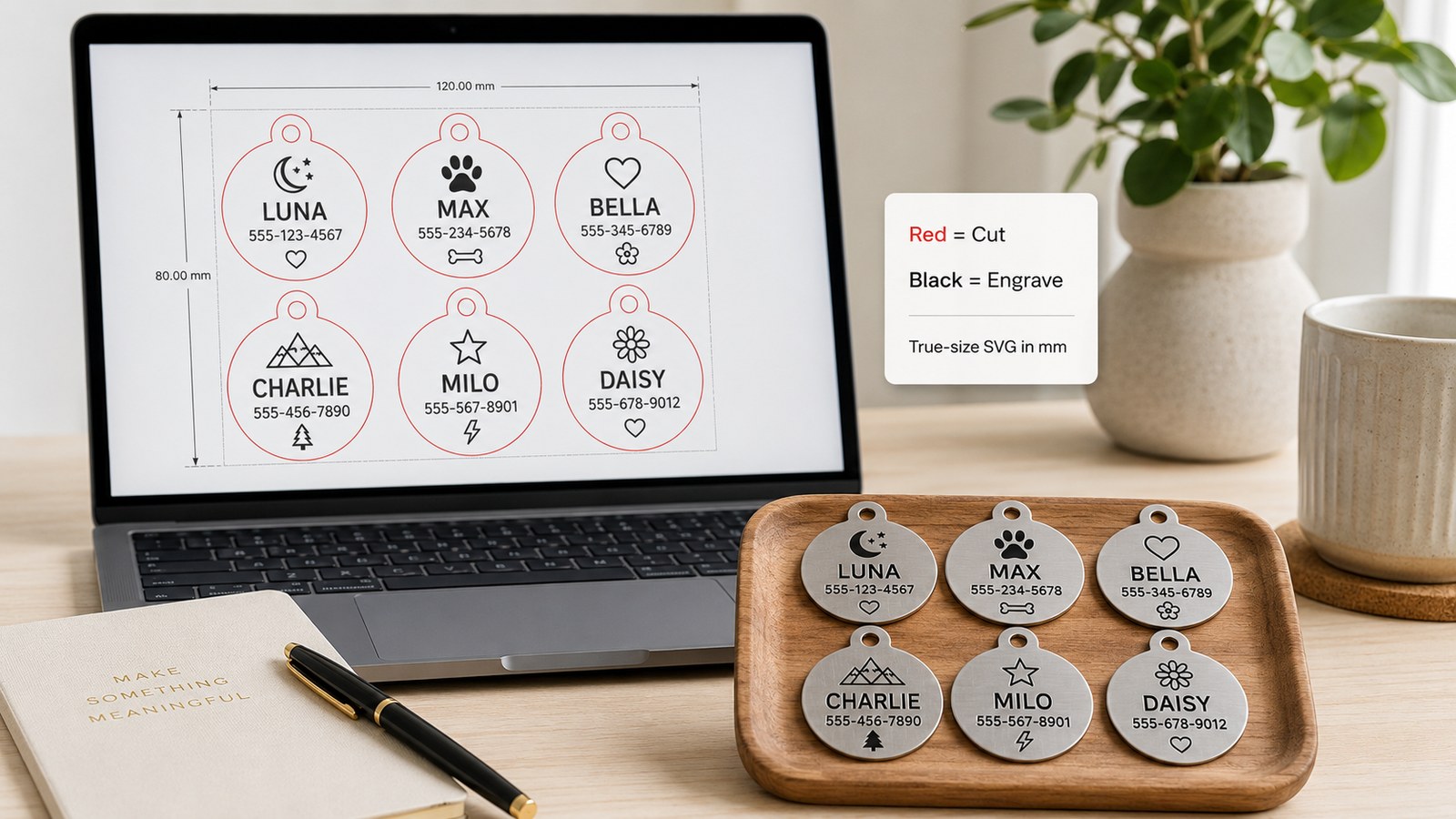 Batch-ready now
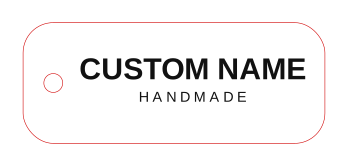
Names and phone numbers for metal, acrylic, or leather tags.
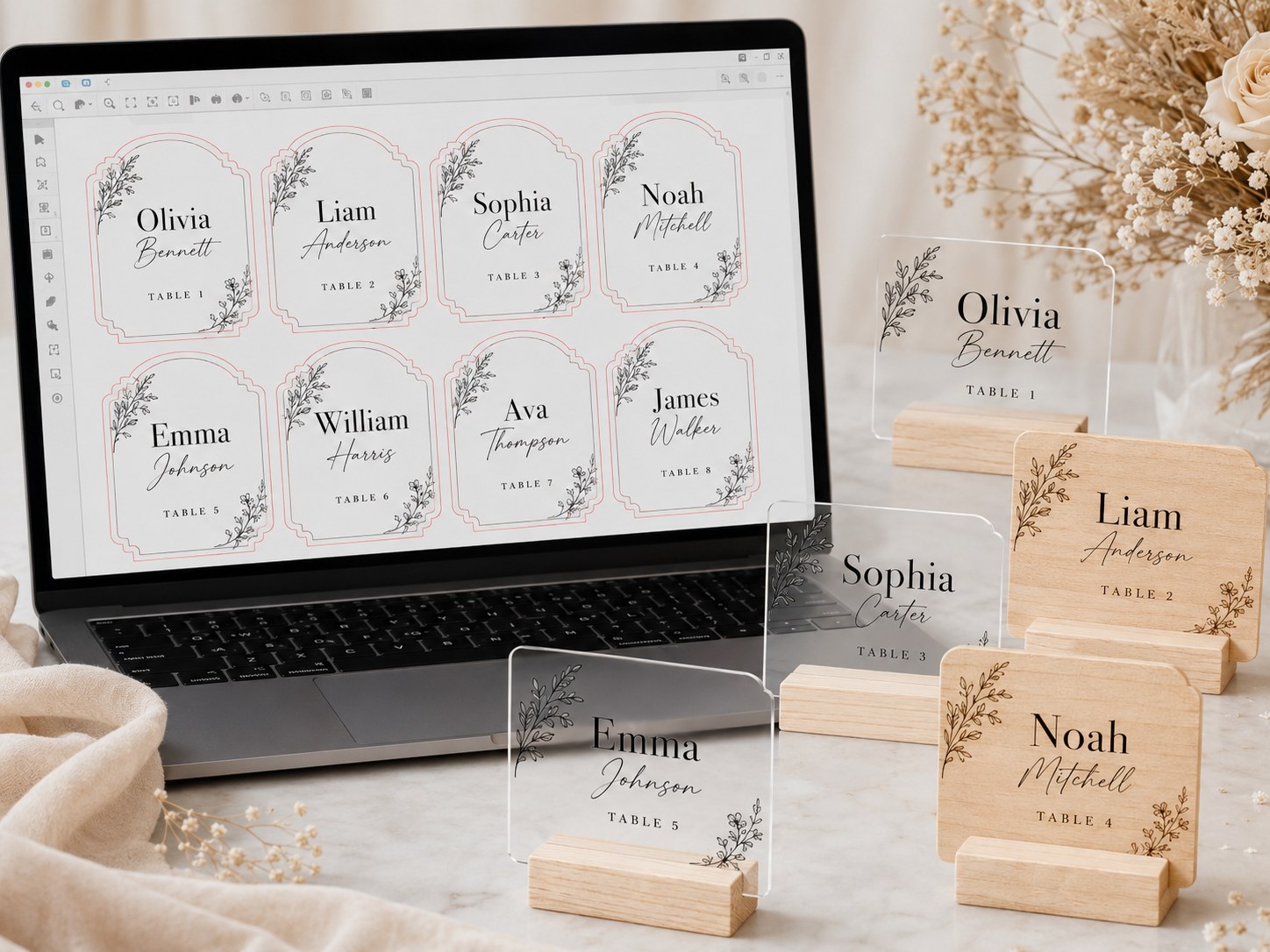 Batch-ready now
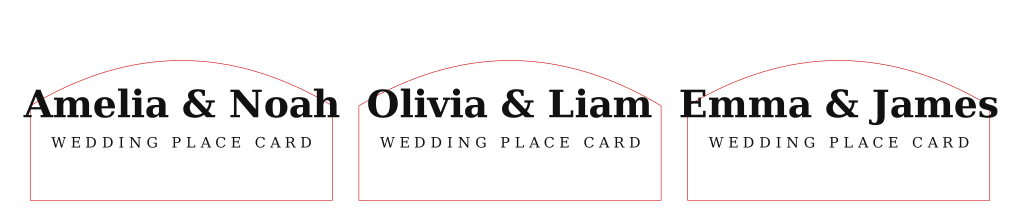
Guest names for a table setting.
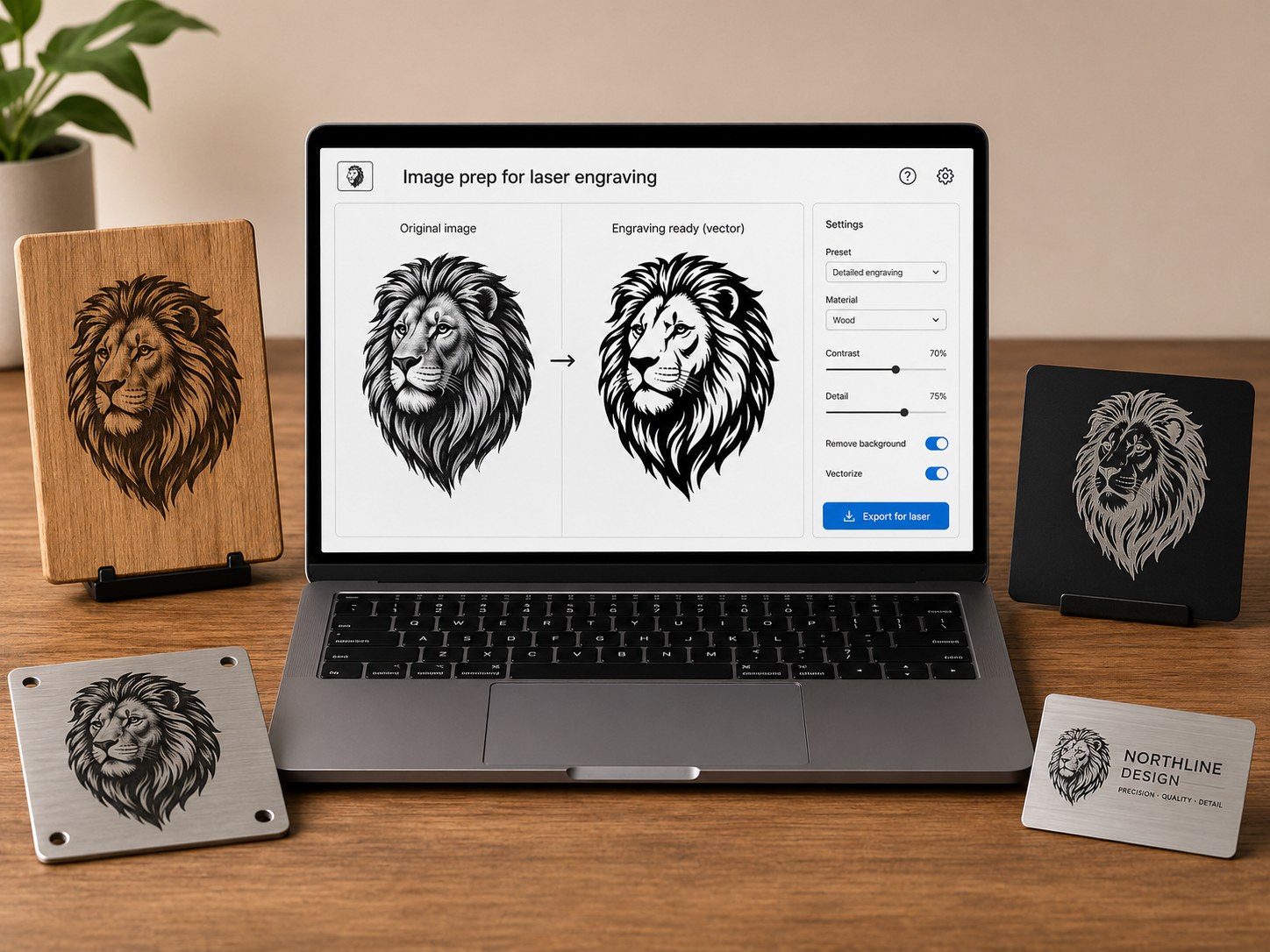 Image prep tool
Best for simple logos, line art, and engraving PNGs.
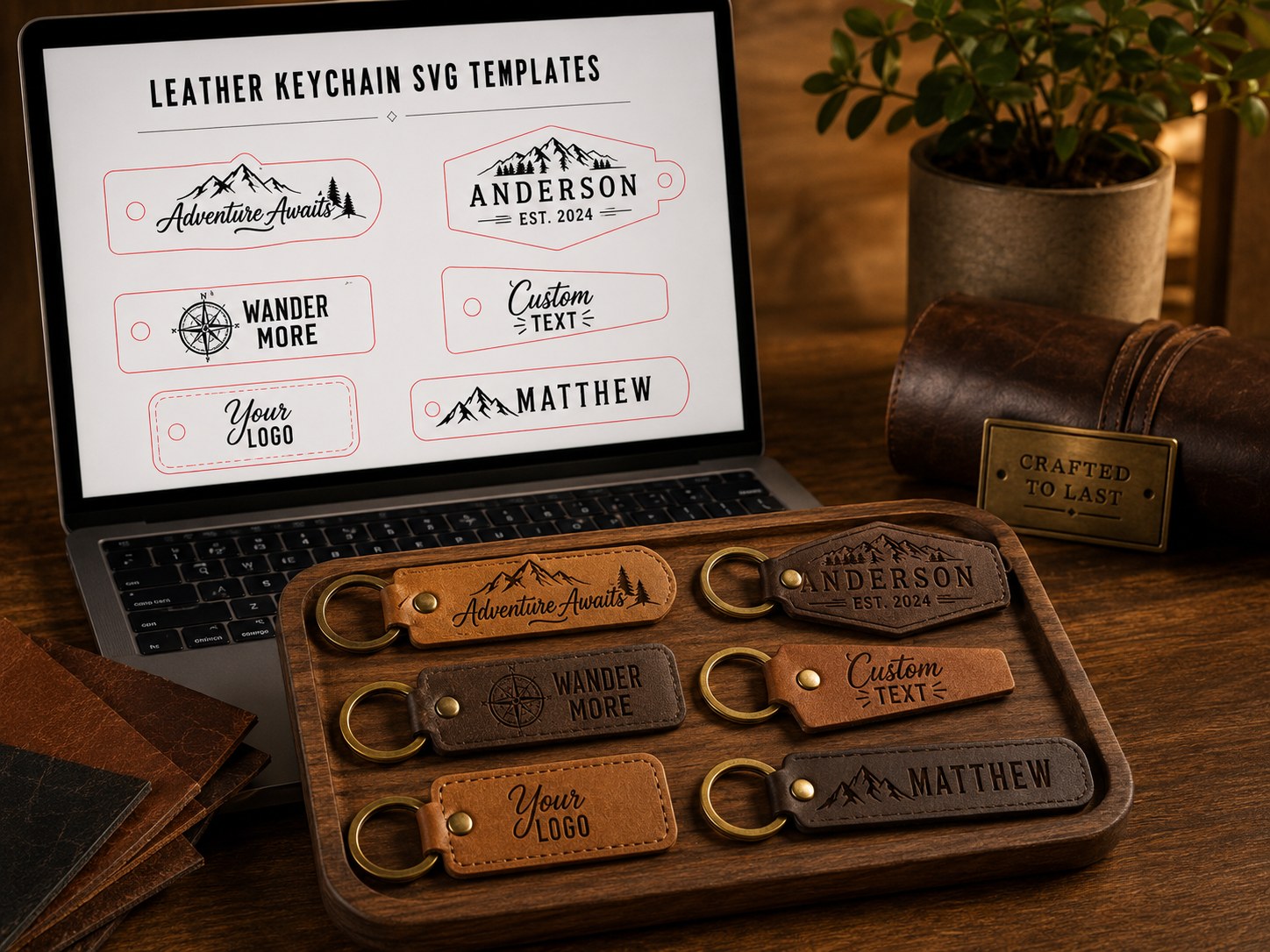 Single-template tool
Name, short phrase, or small gift.
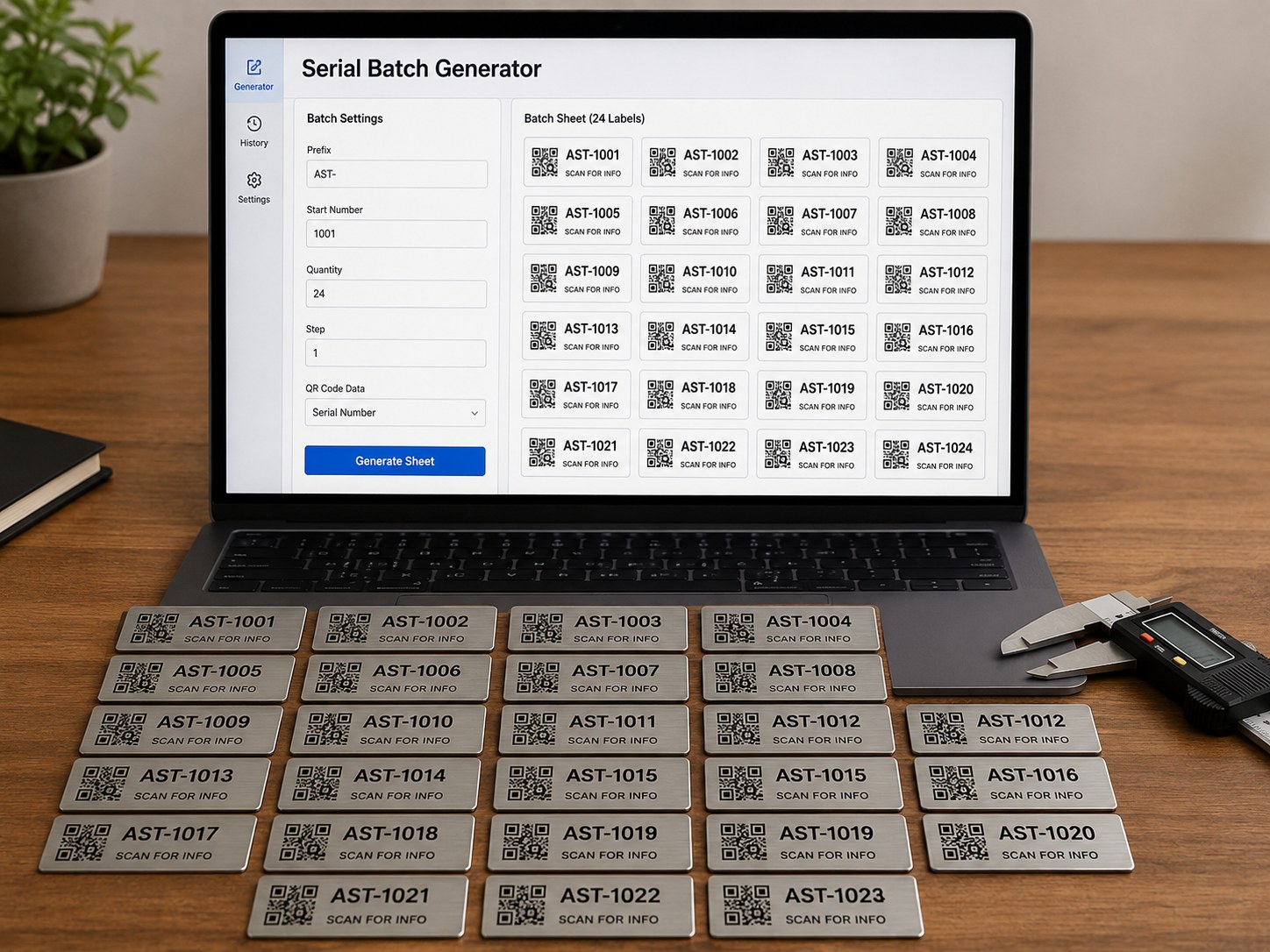 Batch-ready now
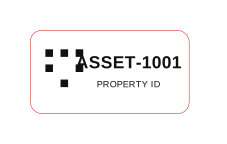
Asset tags for tools, bins, or equipment.
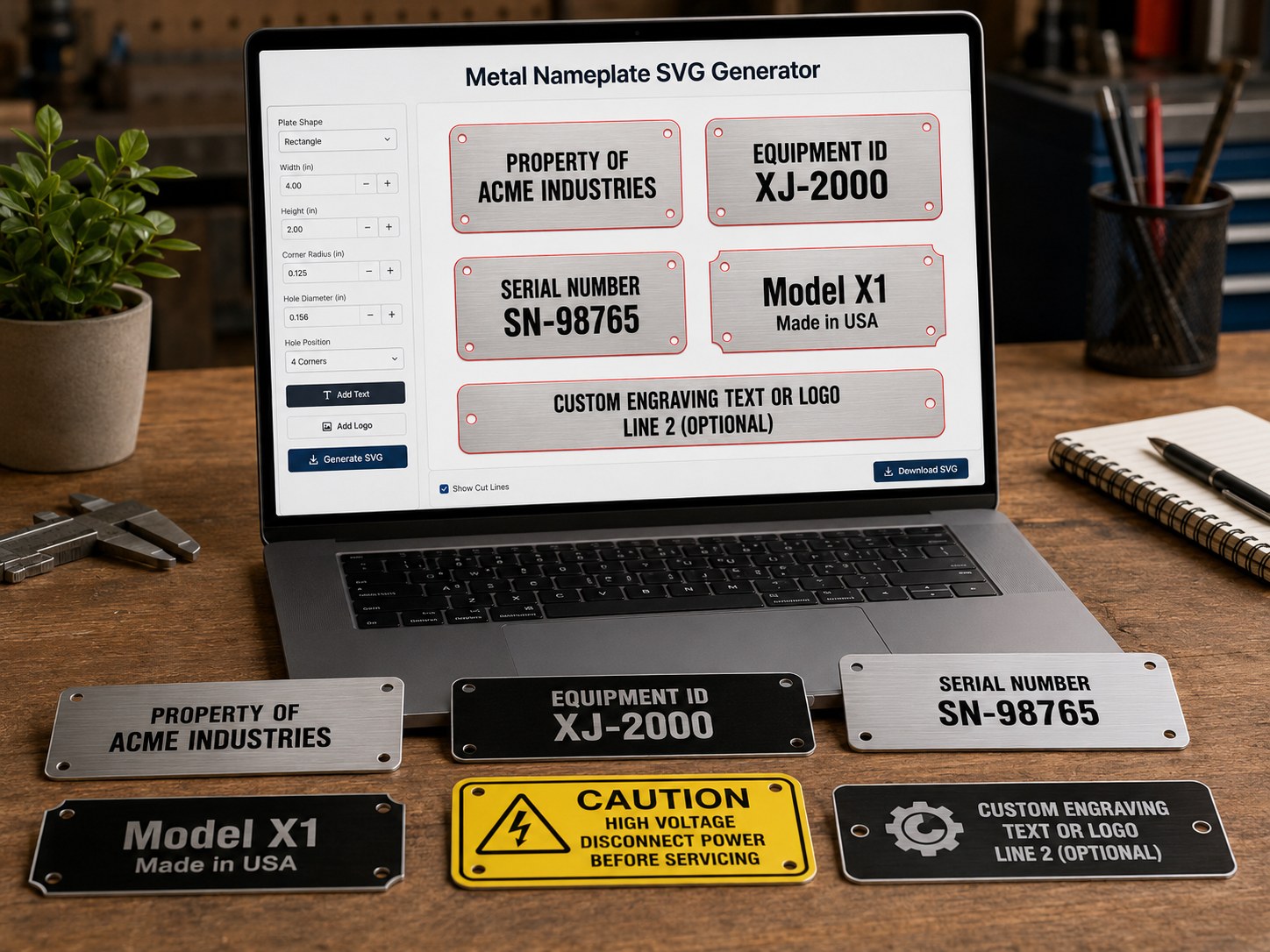 Single-template tool
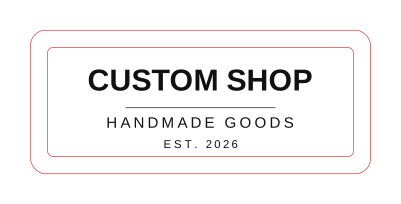
Brand plate, product plate, or small sign.
Not sure where to start?
Pick a selling scenario. SpiderMake recommends the file tool, first test, and machine capability that matters.
Pet tags are a practical first product because users understand the finished item and the file only needs a name, phone number, cut outline, and hole position.
Pet tag SVG generator
Check text contrast, hole placement, tag size, and one finished material sample.
Good for compact galvo or desktop laser users testing metal, acrylic, or leather blanks.
Production proof
These examples show the file structure, batch workflow, and material results before a customer order.
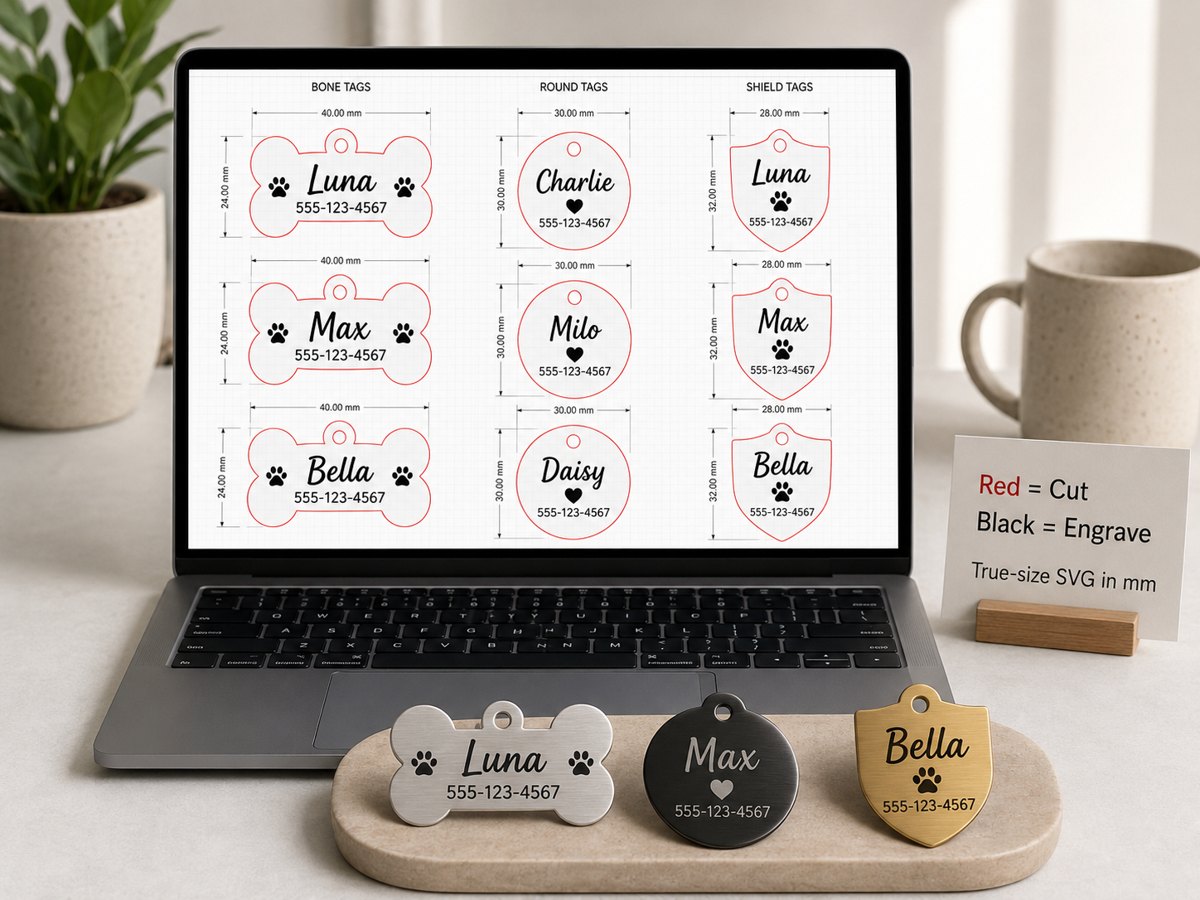
Red stroke for cut lines, black artwork for engraving, and millimeter-size layout for laser software import.
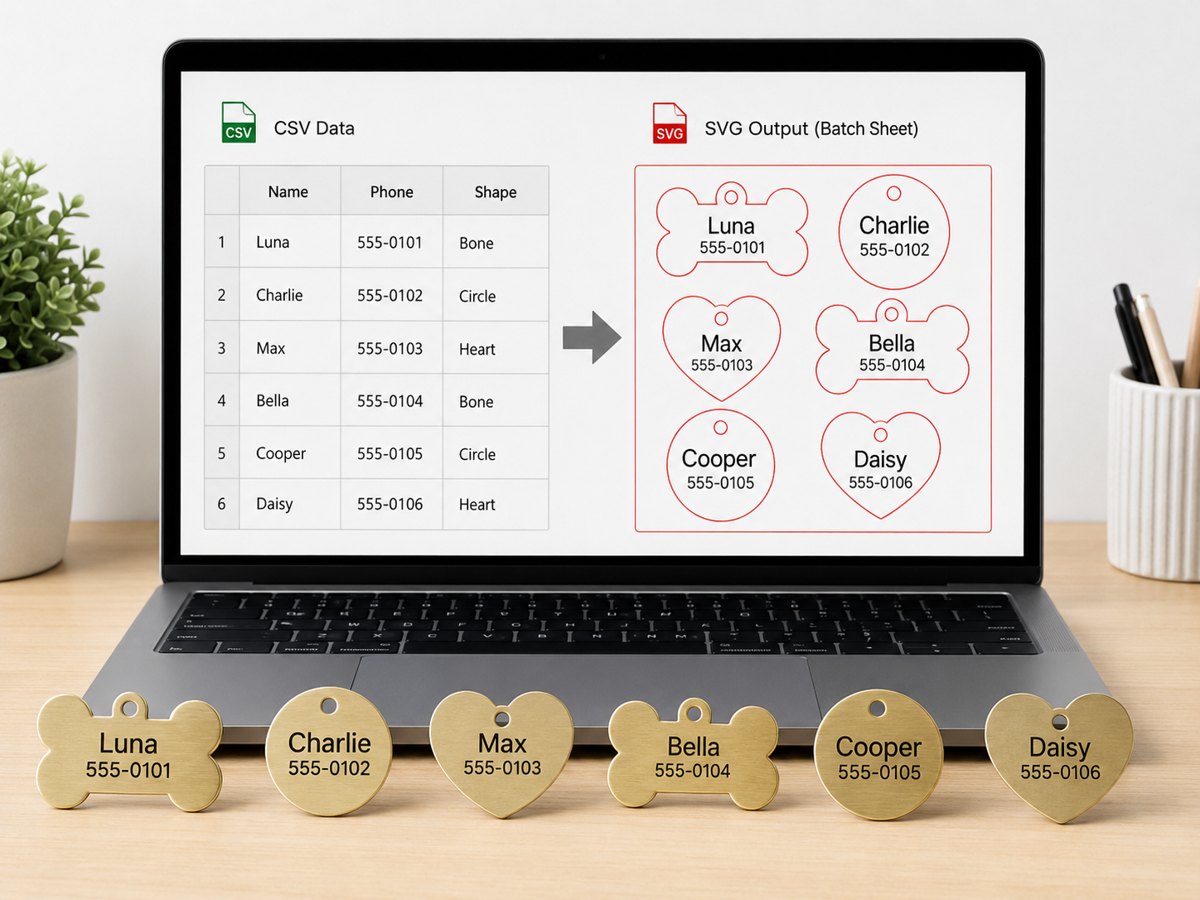
Paste names, phone numbers, or serial numbers once, then generate a clean batch sheet instead of placing every item by hand.
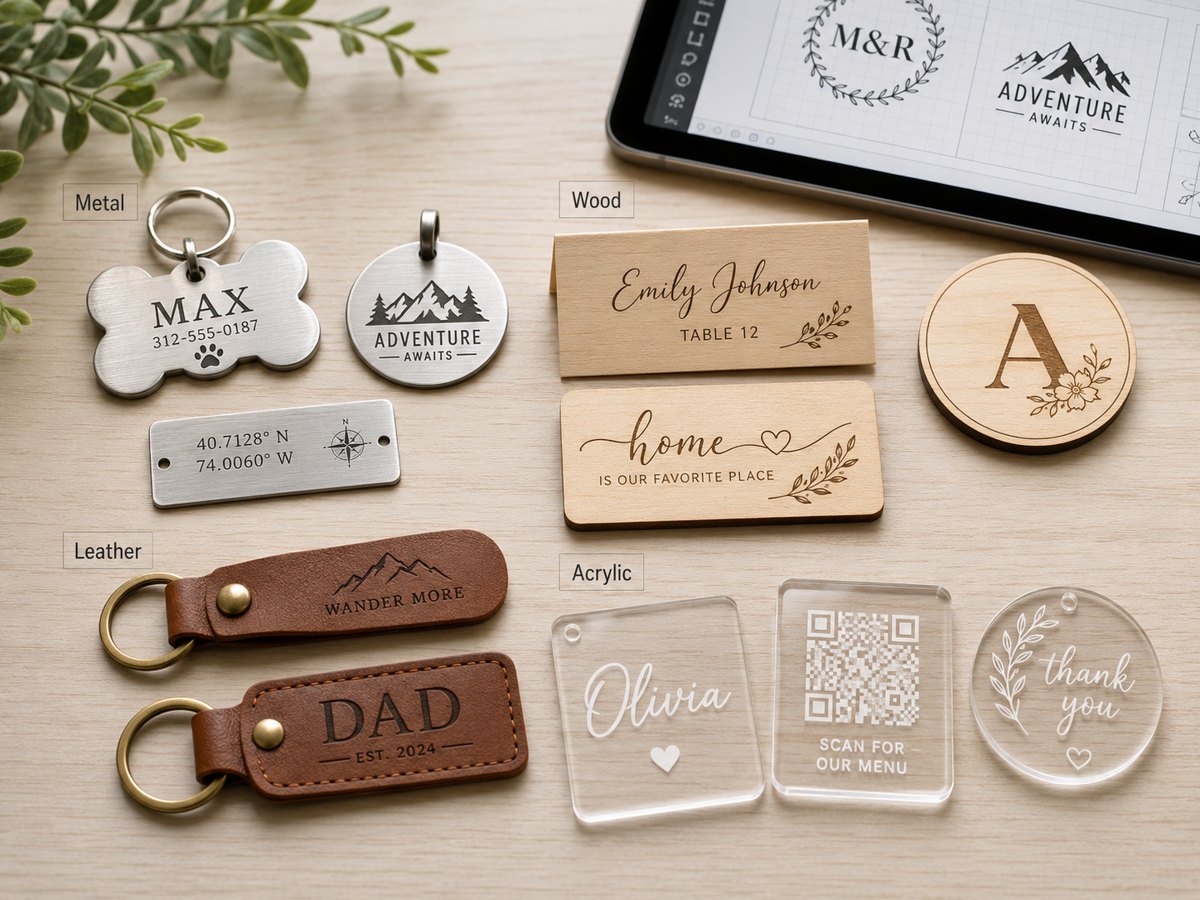
Compare metal, wood, leather, and acrylic outcomes so users understand what the same SVG can become.
TYVOK ecosystem
SpiderMake is a free file-prep workspace for TYVOK and other ecosystem partners' users who want repeatable small-shop projects. Build the names, serials, guest lists, or logo artwork here, then import the SVG into your laser software for one material test before production. If a user does not own a laser yet, the same sample products give them a concrete reason to explore a machine instead of only reading specifications.
Pet tags, keychains, and nameplates show how a laser turns simple customer text into sellable items.
Check machine fitWedding cards and guest lists make the value of fast, repeatable engraving easier to understand.
Check machine fitQR labels, serial plates, and logo marks connect the software workflow to real production needs.
Check machine fitExamples
Browse the full case library when you want material tests, machine-fit notes, and tool links for each product path.
Open case library
A pet name and phone number on one small tag.
A guest name card that belongs on a real table.
Numbered labels for bins, tools, and products.
Free samples
Red lines are intended for cutting, black artwork is intended for engraving or marking. Always run one small material test before production.
Before production
Open the exported file and confirm the cut and engrave artwork before marking material.
Import the SVG into your laser software and confirm scale, line color, and layer behavior.
Run one small material test before making a full customer order.
If the job needs more speed, batch size, or material options, check what machine capability matters.
Check machine fitBlog
Short guides about SVG files, batch layout, material testing, and repeat customer orders.
Learn when a bitmap image is enough, when SVG matters, and why red cut lines plus black engraving artwork make production easier.
Read guideA practical guide for pet tags, QR labels, keychains, and wedding cards on common desktop laser beds.
Read guideHow to turn customer names, phone numbers, or guest lists into clean production files with fewer mistakes.
Read guideFeedback
This is where we decide what to build next. Send the product you want to make, the machine or software you use, and what feels confusing or missing.
Seller packs
Use the free generators first. Packs are only for repeat jobs where prepared layouts, CSV examples, production notes, and commercial-use terms save setup time.
Commercial SVG packs
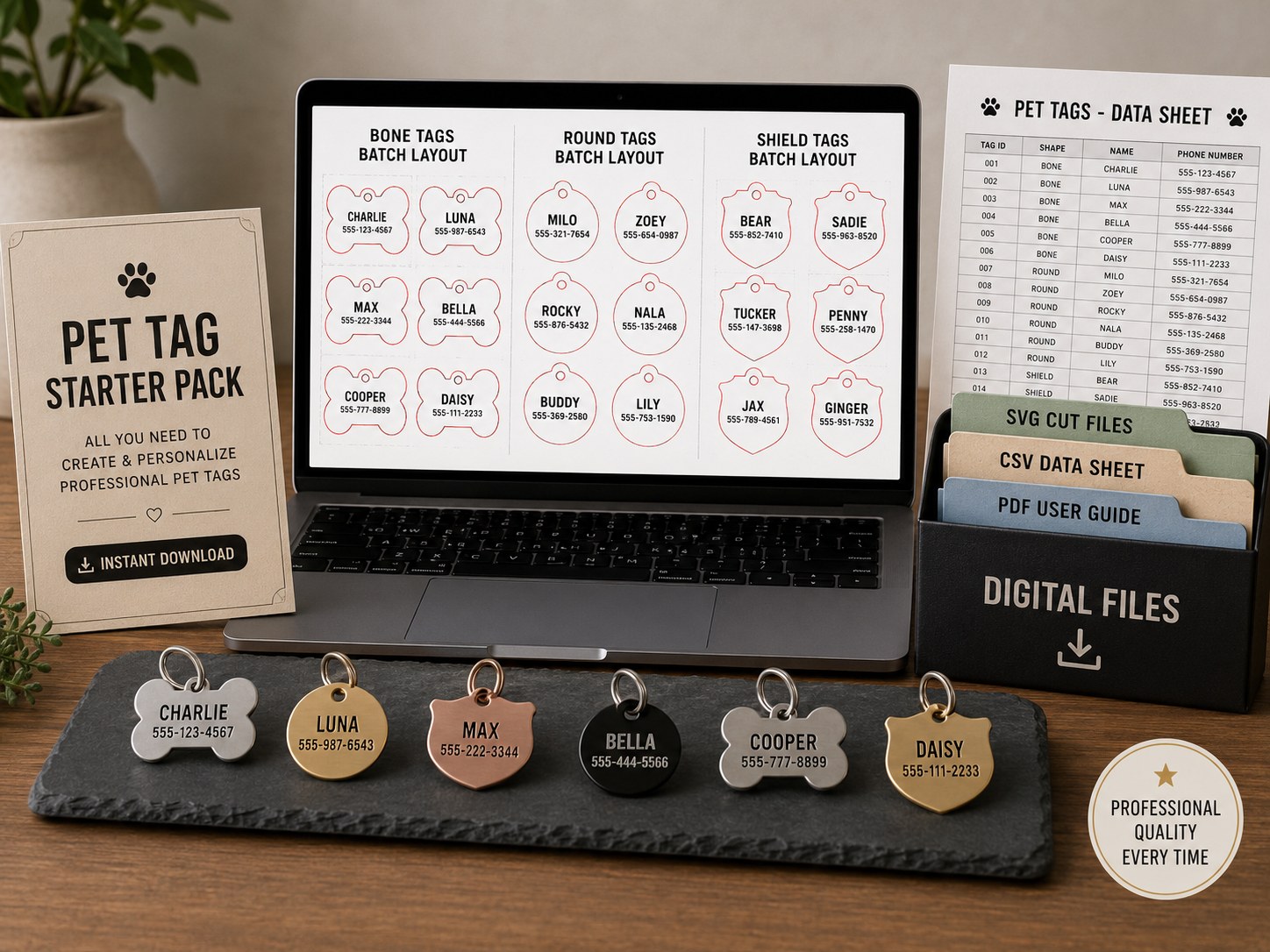
Three batch SVG sheets, sample CSV, starter settings, README, and commercial-use license.
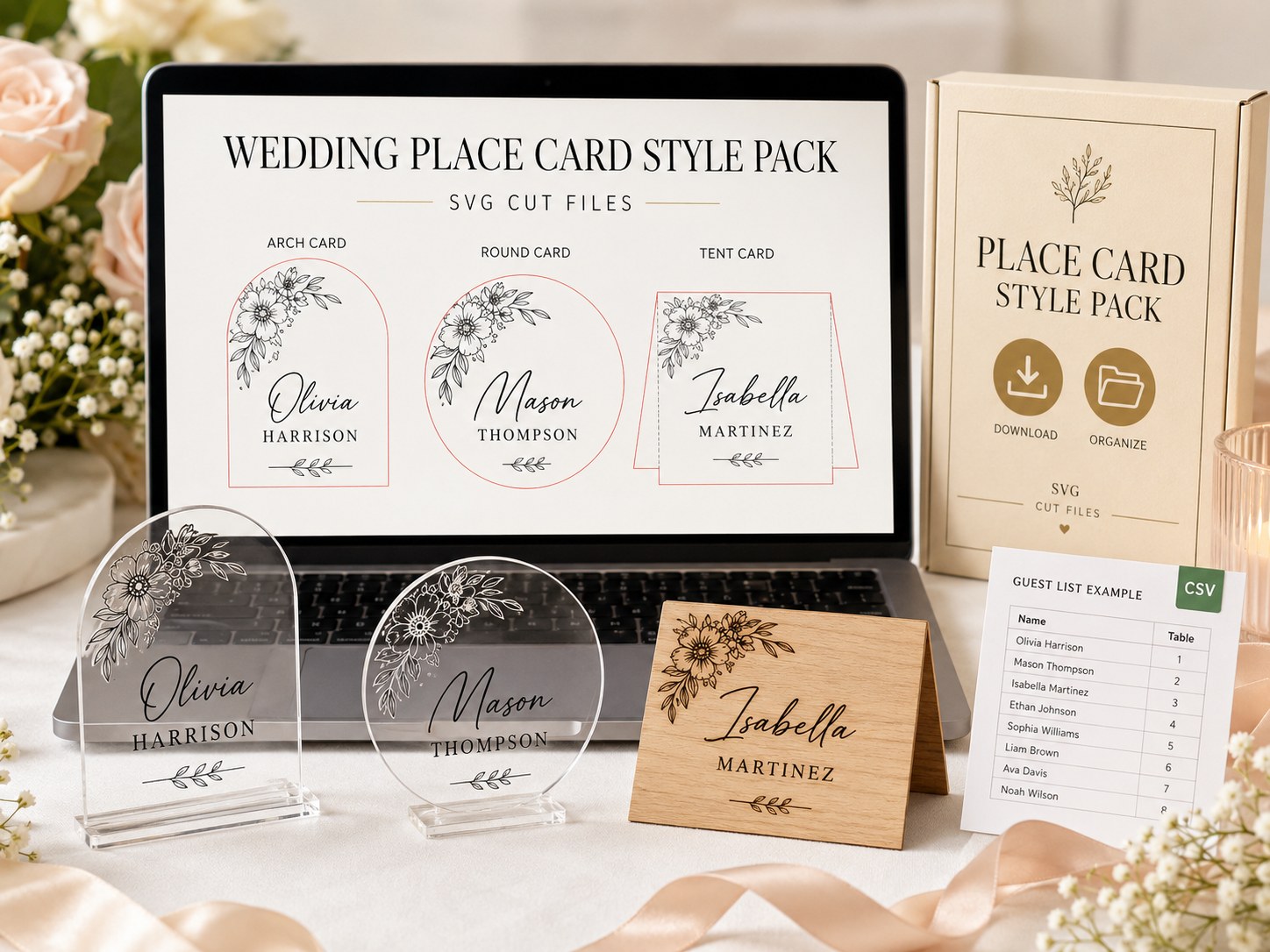
Three event-ready SVG styles, guest CSV, production notes, README, and commercial-use license.
Send the object, text fields, material, and target software. We can prioritize tools around real demand.
Which pack should I choose?
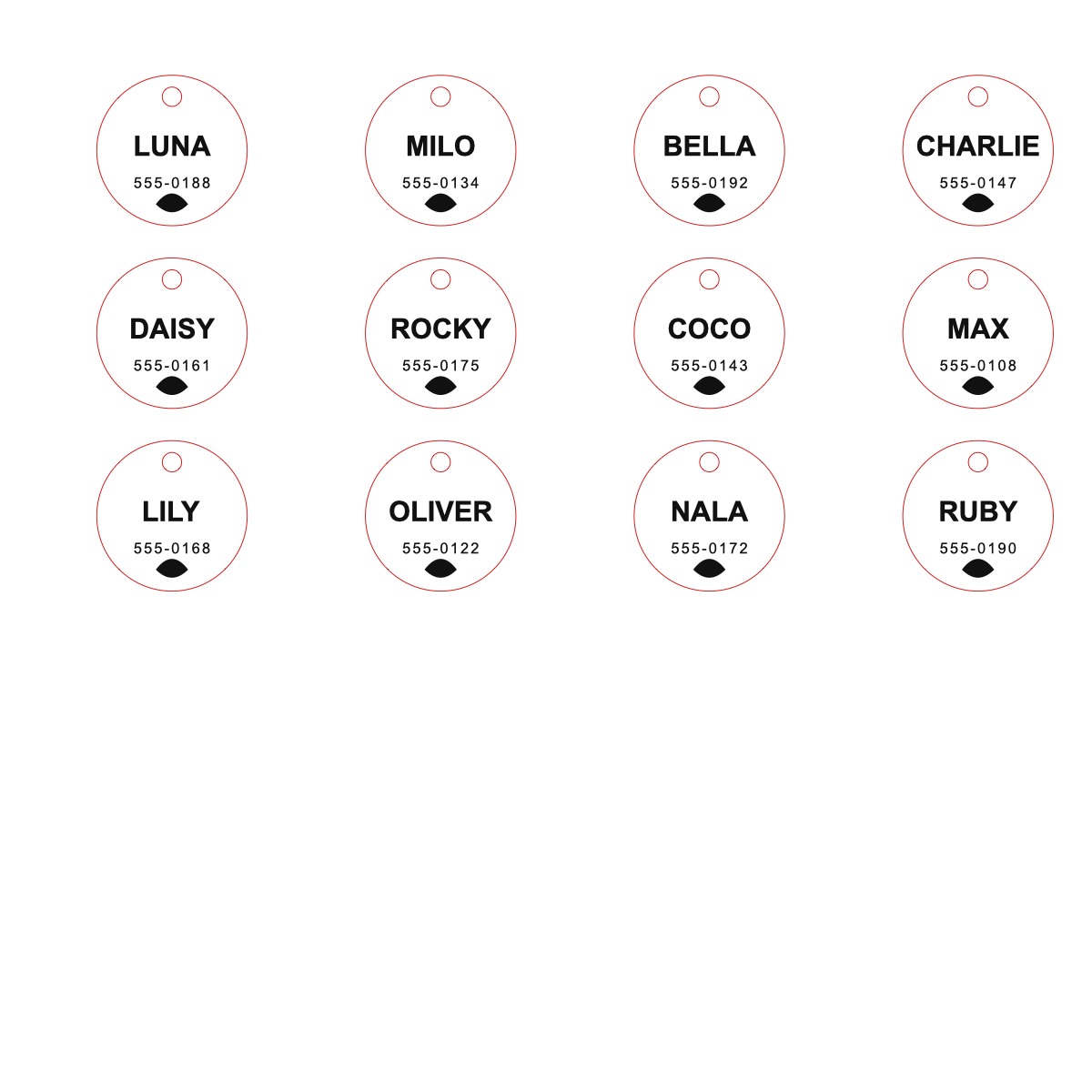
Best when you want small repeat orders with names and phone numbers. Start with metal, acrylic, or leather tag blanks and test one sample before listing.
View pet tag pack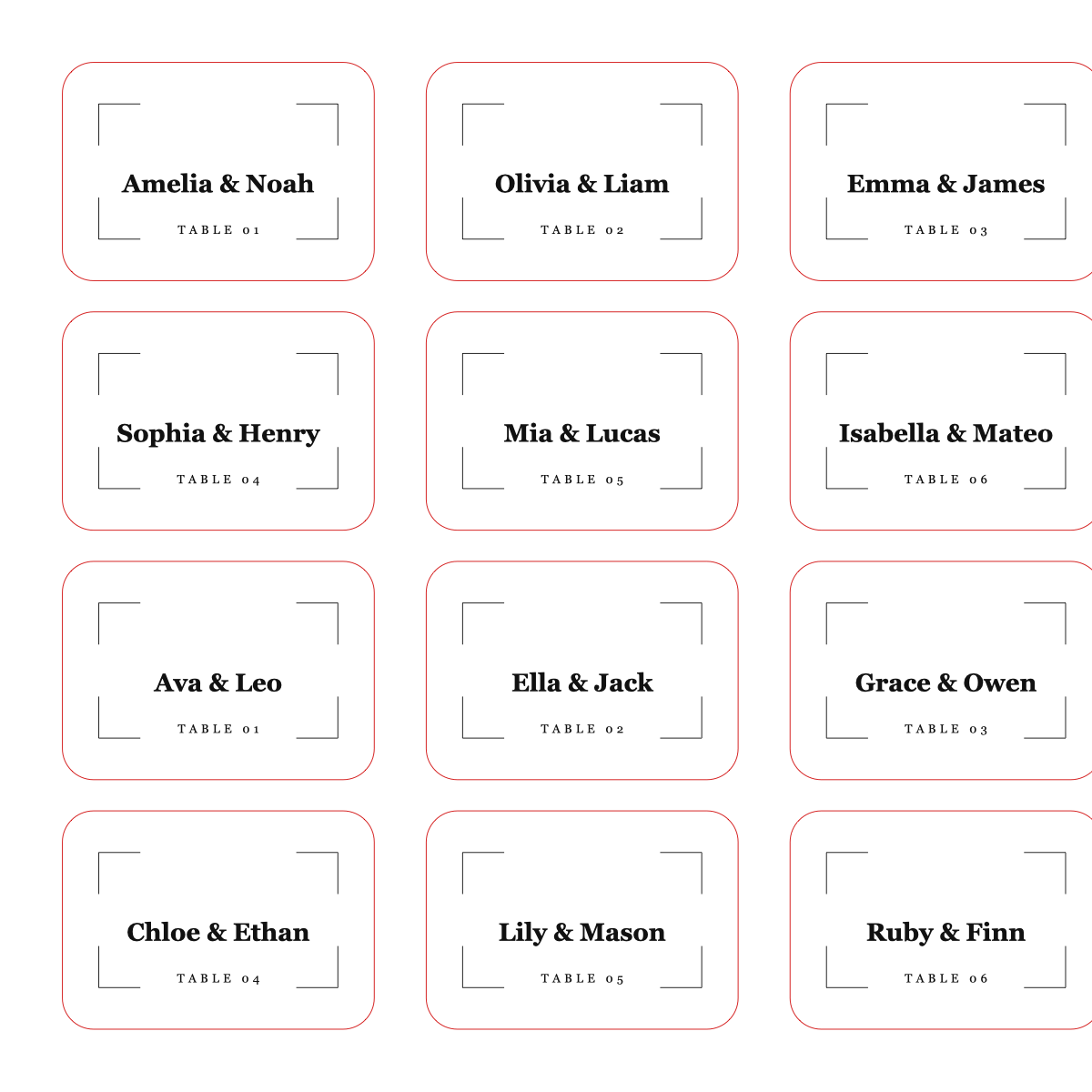
Best when you want larger guest-name orders for weddings, parties, and event planners. Use the CSV sample to check the workflow before a full batch.
View wedding packRequest a missing tool
Use this for missing templates, tool ideas, or bigger batch workflows. The free tools stay the starting point.